
Your New Digital Command Center: Mastering Productivity with ChatGPT Work
OpenAI is redefining the role of its AI from a conversationalist to a collaborator with the introduction of ChatGPT Work. This feature transforms the familiar chat interface into a centralized hub capable of orchestrating tasks across your most-used digital applications. It’s a strategic move away from single-shot answers and toward managing complex, multi-part projects, effectively reducing the friction of switching between tabs and tools to get work done.
Bridging Your Cloud Ecosystem
The core innovation of ChatGPT Work is its ability to act as a secure bridge between your siloed cloud services. Instead of you manually gathering information from different platforms, the AI can be authorized to access and synthesize it for you. This creates a unified workspace where your data can interact.
- Cross-Platform Synergy: Imagine needing to prepare for a project launch. You can ask ChatGPT Work to read a project brief stored in Microsoft OneDrive, cross-reference key deadlines with your Google Calendar, and identify potential scheduling conflicts for the team.
- Secure Connections: The system connects to applications like Google Drive, Microsoft 365, and others through secure authorizations that you control, ensuring it only accesses the specific information you permit for a given task.
From Simple Queries to Complex Projects
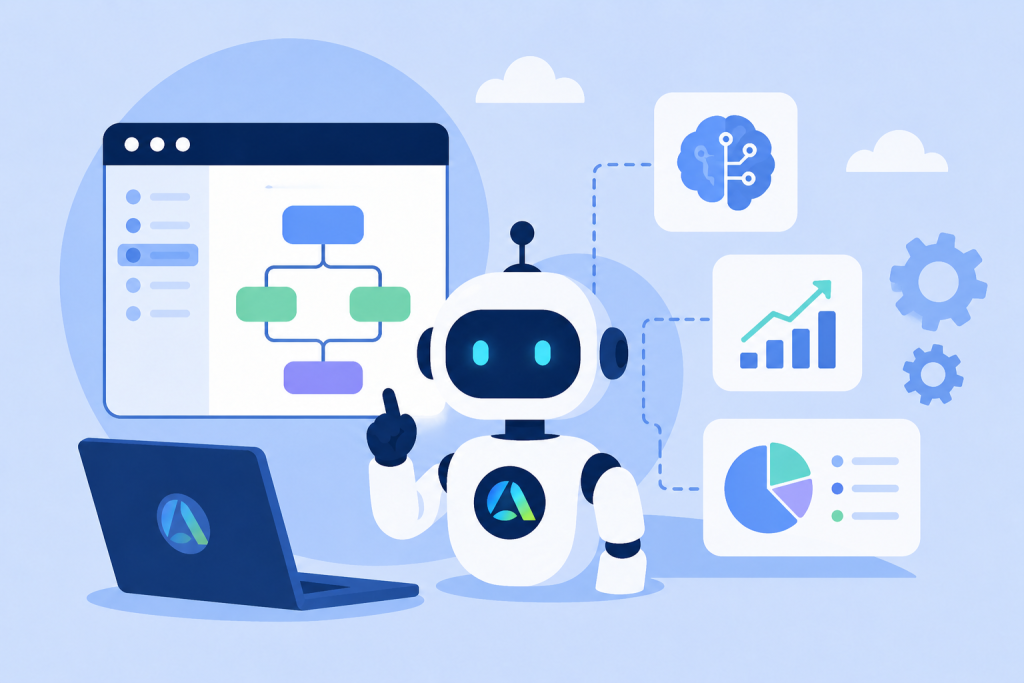
ChatGPT Work shines when handling tasks that require more than one step. It formulates a logical plan, presents it for your approval, and then executes each action sequentially. This allows you to delegate entire workflows, not just isolated questions.
Consider this financial analysis prompt: “Analyze the Q3 sales data in the attached spreadsheet and cross-reference it with the marketing spend report PDF. Identify the top three campaigns with the highest return on investment and summarize the findings in a new document.”
Taking the next step becomes straightforward when you have the right support — Become an Ultimate Master of your life is worth exploring.
Taking the next step becomes straightforward when you have the right support — Heal your past, design your future is worth exploring.
The AI would then propose a plan:
- Open and read the sales spreadsheet.
- Open and analyze the marketing spend PDF.
- Correlate sales spikes with campaign timelines and budgets.
- Draft a new document with the summarized results.
You Are the Pilot: A Focus on Supervised Automation
A key design principle of ChatGPT Work is that the user remains in complete control. The AI is not autonomous; it’s a powerful co-pilot that requires your explicit permission for every action it takes, from opening a file to drafting an email. This “human-in-the-loop” approach serves two critical purposes:
- Accuracy: It allows you to verify that the AI has correctly interpreted your request before it proceeds, preventing errors in important documents or calendar entries.
- Security: It ensures that your data is not accessed or modified without your direct consent, maintaining the privacy and integrity of your information.
Actionable Strategies for Your Daily Workflow
Integrating ChatGPT Work into your routine can yield significant productivity gains. Here are a couple of strategies to get started:
Become a Meeting Maven
Streamline the entire meeting lifecycle. Ask the AI to: “Review the attached notes from our last brainstorming session, draft a concise agenda for a follow-up meeting, check my calendar for a free 30-minute slot next week, and create an invitation for the project team with the agenda in the description.”
Act as a Data Synthesizer
Use it to consolidate disparate information into actionable insights. For example: “I’ve uploaded a CSV of recent survey feedback and a document with feature requests. Combine these sources to create a prioritized list of the top five user-requested features, noting how many times each was mentioned.”
Understanding the Guardrails and Access
While incredibly capable, the feature operates within a set of important boundaries designed for safety and clarity.
- Permission-Based Access: The tool’s effectiveness is directly tied to the permissions you grant. It cannot, for instance, browse your entire file system or read your emails. Its scope is intentionally limited to the specific services you authorize.
- Deliberate Pace: The step-by-step confirmation process means it’s a powerful assistant you guide, not a fully independent agent. This deliberate pacing is a feature, not a bug, ensuring precision.
- Tiered Availability: The most robust cross-app integration features are typically reserved for paid subscribers on plans such as ChatGPT Plus or Team, while free users may have access to more limited file-based capabilities.
The Future is Collaborative, Not Just Autonomous
ChatGPT Work represents a significant milestone in the evolution of AI assistants. It proposes a future where the most effective model is not one of complete autonomy, but of deep, supervised collaboration. By blending the AI’s ability to rapidly process and connect information with human strategic oversight, these tools are poised to become indispensable partners in navigating the complexities of modern knowledge work.










Leave A Comment